
Your digital notebook, reimagined.
Handwrite notes, mark up PDFs and sketch with brushes that feel like the real thing. Every page stays beautiful, searchable and in sync.
Free to try · iPad, iPhone and Mac
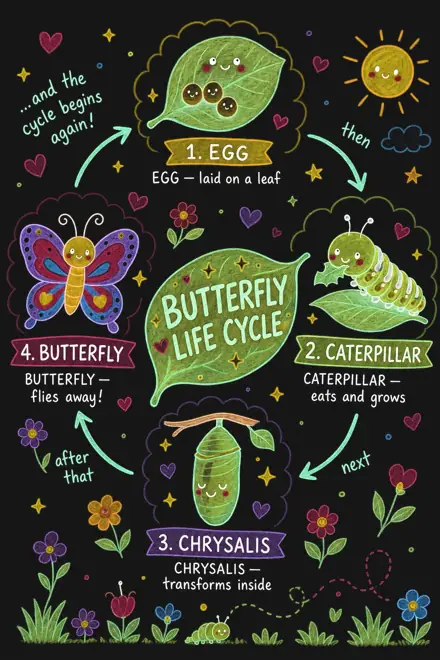


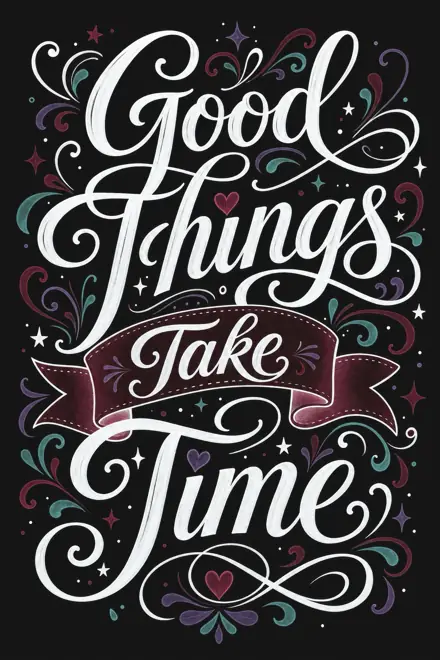


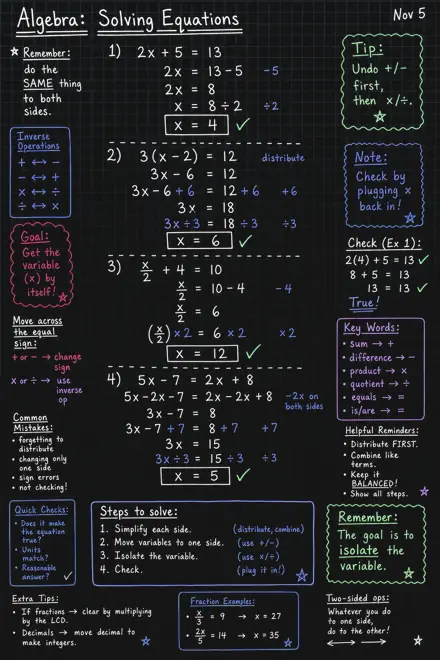





Unique brushes.
A pencil with grain, a fountain pen with a real nib, a brush that swells as you press and a marker that glides over ink. Element Note draws every stroke with Metal, so ink stays smooth, even in gradient colors.
Try them. Draw anywhere on the page.
Make every page yours.
Add text, shapes, stickers and images anywhere on a page. Over a thousand hand-drawn stickers come built in, and everything stays movable. Go ahead, drag them around.
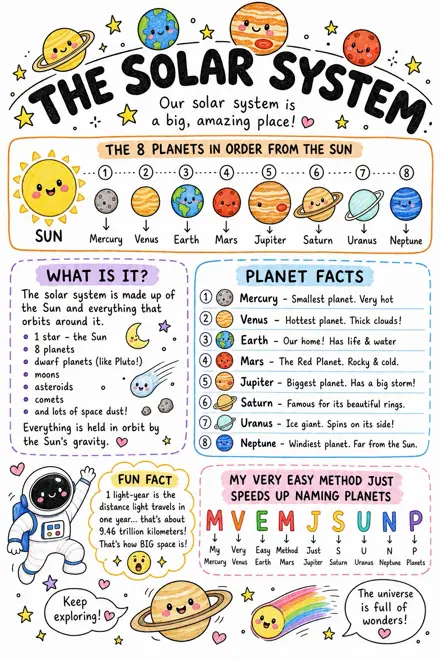
Space Week
Saturn could float in a bathtub, if you found one big enough.




Mark up any PDF.
Bring in lecture slides, papers and worksheets, then highlight, circle and write right on the page with the same pens you take notes with.
Chapter 4 · The Hydrosphere
4.2 The Water Cycle
Water on Earth is always moving. Heated by the Sun, water at the surface of oceans and lakes turns into vapor in a process called evaporation. Plants add more through transpiration.
As vapor rises it cools, and condensation forms the tiny droplets that make up clouds. When droplets grow heavy enough, they fall as precipitation: rain, snow, sleet or hail.
Most precipitation lands in the ocean. The rest soaks into the ground or runs off into rivers, which carry it back to the sea, where the cycle begins again.
42
Search your handwriting.
Element Note reads your handwriting and every PDF on device, so the page you need is always a search away. Your notes never leave your device to do it.


Smart dark mode.
Your notes follow your device into dark mode. The paper turns dark and colors stay vivid, without changing a single stroke you wrote.
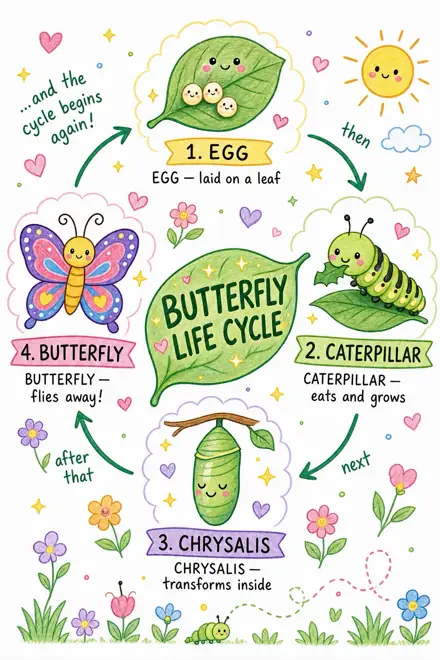

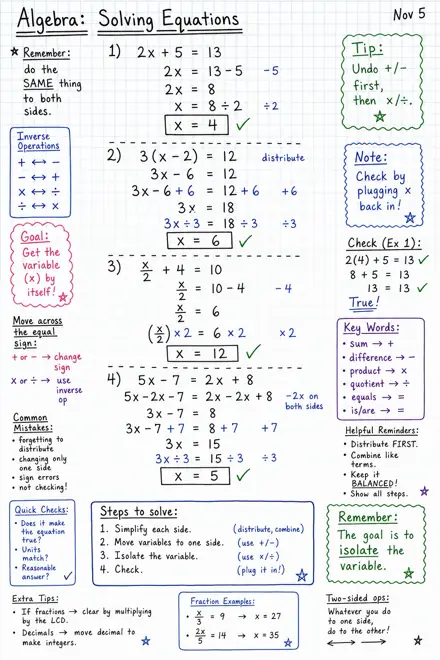
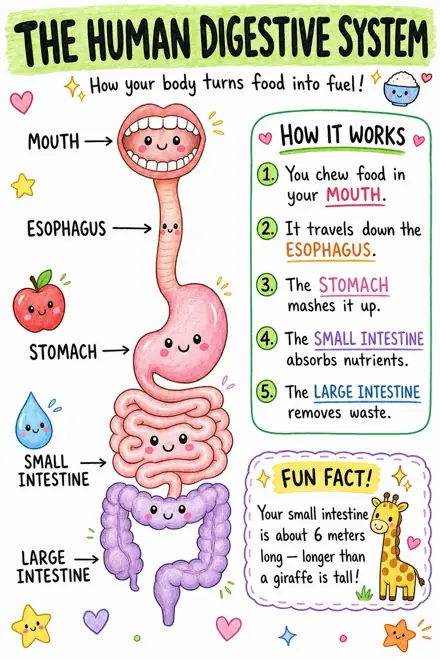
Everything a notebook needs.
-
Your toolbar, your way
Drag your favorite pens, colors and tools into the toolbar, and keep the rest a tap away.
-
Synced with iCloud
Notes sync through your own iCloud. Nothing passes through our servers.
-
Collaborate
Share a notebook over iCloud and work on it together with up to 100 people.
-
Desktop-class organizing
Select many notes or pages at once and drag them right where they belong.
-
Ink without lag
A drawing engine built on Metal keeps writing with Apple Pencil smooth and immediate.
-
iPad, iPhone and Mac
Write with Apple Pencil on iPad, review on iPhone and pick up where you left off on Mac.
Start your next notebook.
Element Note is free to try with up to three notes. Unlock the full app for unlimited notes.
Download on the App Store